
Security Locks
A laptop security lock helps protect your laptop from opportunistic theft by securing it to a fixed object, such as a desk, table or workstation. It is a simple physical deterrent for use at home, in an office, library, café, classroom or shared workspace.
Security locks are available in different styles, including keyed cable locks, combination locks and locks designed for different laptop security slots. Choosing the right one depends on your laptop’s lock slot, how often you move between locations and whether you prefer a key or combination.
Best Selling Laptop Security Locks

No products found
Try adjusting your search or filters
No products found
Try adjusting your search or filters
No products found
Try adjusting your search or filters
No products found
Try adjusting your search or filters
No products found
Try adjusting your search or filters
No products found
Try adjusting your search or filters
No products found
Try adjusting your search or filters
No products found
Try adjusting your search or filters
Types of Laptop Security Locks
Cable Locks
A cable lock is the most common type of laptop security lock. It uses a locking head that fits into the laptop’s security slot and a steel cable that loops around a fixed object.
Cable locks are available in different lengths and cable thicknesses. A longer cable can give you more flexibility when attaching your laptop to a desk or table, while a thicker cable can offer a more visible deterrent.
No products found
Try adjusting your search or filters
Keyed Laptop Locks
A keyed laptop lock uses a physical key to lock and unlock the device. It can be a straightforward option if you prefer not to remember a combination code.
Keyed locks are available with individual keys or master-keyed systems. A master-keyed system can be useful in offices, schools and other environments where an administrator needs access to multiple devices.
No products found
Try adjusting your search or filters
Combination Laptop Locks
A combination laptop lock uses a numerical code rather than a key. This can be convenient if you do not want to carry a key with you.
Combination locks are available with different code lengths, commonly four digits. They can be a practical option for students, commuters and people who use their laptop in different places.
No products found
Try adjusting your search or filters
View More Combination Laptop Locks
Retractable Laptop Locks
A retractable laptop lock has a cable that winds back into a compact housing when not in use. This can make it easier to carry and store in a laptop bag.
A retractable lock is a good option if you travel regularly or want a lock that takes up less space. Check the cable length before buying, as retractable designs can have a shorter reach than standard cable locks.
No products found
Try adjusting your search or filters
View More Retractable Laptop Locks
Portable Laptop Locks
Portable laptop locks are lightweight locks designed for use on the move. They are often compact enough to fit in a laptop bag, making them useful for students, remote workers and commuters.
A portable lock can be useful in cafés, libraries, hotels and shared workspaces. It is important to attach it to a secure, immovable object rather than a lightweight chair or loose furniture.
No products found
Try adjusting your search or filters
View More Portable Laptop Locks
Laptop Lock Slot Types
Before buying a laptop lock, check which security slot your laptop has. The three most common types are the standard Kensington slot, nano slot and wedge-shaped slot.
Kensington Security Slot
The Kensington Security Slot, also known as the K-Slot, is a small rectangular slot found on many laptops, monitors, docking stations and desktop computers. It is one of the most widely used laptop security slot types.
A Kensington-compatible cable lock inserts into the slot and locks in place with a key or combination. The cable can then be looped around a secure object to help prevent the laptop from being moved.
No products found
Try adjusting your search or filters
View More Kensington Security Slot
Nano Security Slot
A nano security slot is a smaller, narrower slot designed for ultra-thin laptops and other slim devices. It requires a lock specifically designed for nano slots.
A nano lock can be a good option for modern thin-and-light laptops. Check your laptop’s specifications before buying, as a standard K-Slot lock will not fit a nano slot.
No products found
Try adjusting your search or filters
Wedge Security Slot
A wedge security slot is a slim, wedge-shaped slot commonly found on many Dell laptops. It requires a wedge-style lock, which is not interchangeable with standard Kensington or nano locks.
A wedge lock can be a good option if your laptop has this type of slot. Check the product description carefully to make sure the lock is compatible with your laptop model.
No products found
Try adjusting your search or filters
Choosing the Right Laptop Lock
Check Your Laptop Slot
Check the security slot on your laptop before buying. A standard K-Slot, nano slot and wedge slot require different lock types, so the lock must match your device.
If you are unsure, check your laptop manual or the manufacturer’s website. Some universal locks are designed to fit more than one slot type.
Consider Keyed or Combination
Choose a keyed lock if you prefer a physical key, or a combination lock if you prefer not to carry one. A combination lock can be convenient, but make sure you remember the code.
For shared environments, a keyed lock with a master key system can make it easier for an administrator to manage multiple devices.
Check the Cable Length
Think about where you will use the lock. A longer cable can make it easier to reach a desk leg, table frame or other secure anchor point.
A shorter cable can be more compact and portable, but it may limit where you can attach your laptop.
Check the Cable Strength
Look for a lock with a strong steel cable and a sturdy locking head. A thicker cable can provide a more visible deterrent, although it may be heavier to carry.
A laptop lock is designed to deter opportunistic theft rather than provide absolute protection, so it should be used alongside other sensible security habits.
Consider Portability
If you carry your laptop between home, work and other locations, look for a lightweight lock with a compact design. A retractable lock can be a convenient option for travel.
If the lock will stay in one place, such as an office desk, a standard cable lock may be a simpler choice.
How to Use a Laptop Lock
Find a Secure Anchor Point
Attach the cable to a sturdy, immovable object, such as a fixed desk frame, heavy table leg or bolted-down structure. Avoid lightweight chairs, loose furniture or objects that can be lifted.
Attach the Lock to Your Laptop
Insert the locking head into your laptop’s security slot. Turn the key or enter the combination to engage the locking mechanism.
Check the Lock
Gently pull the cable and lock head to make sure the laptop is securely attached. Make sure the cable is not easy to lift over the anchor point or unhooked from the laptop.
Laptop Security Lock FAQs
Showing 1–12 of 26 results
-
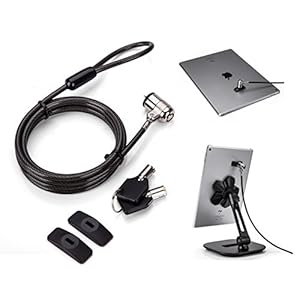
AboveTEK Laptop Lock, Tablet Lock Security Cable, 2 Keys Durable Steel iPad Locking Kit w/Adhesive A
£23.99 Buy product -
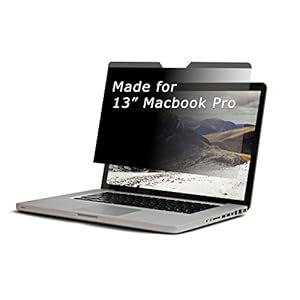
ARCANITE Magnetic Privacy Screen Filter for MacBook Pro
£21.35 Buy product -
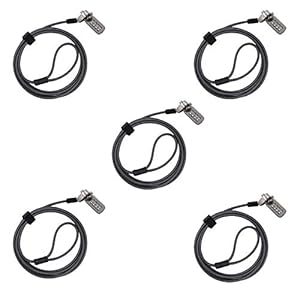
CaLeQi Combination Security Lock Cable for Notebook Laptop Pc Computer Monitor lcd – 2m Cable
Buy product -
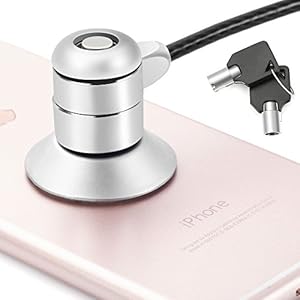
Combination and Keyed Cable Lock Kit with security cable for Laptop, MacBook, iPad, Tablets
Buy product -
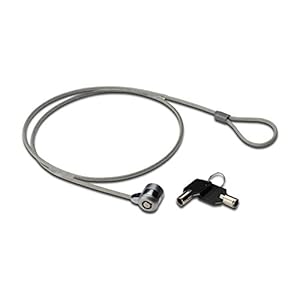
ednet Laptop Security Lock with 2 Keys
£4.89 Buy product -
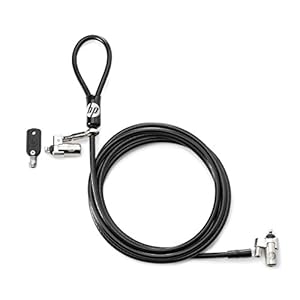
HP Dual Head Keyed Cable Lock
£57.20 Buy product -
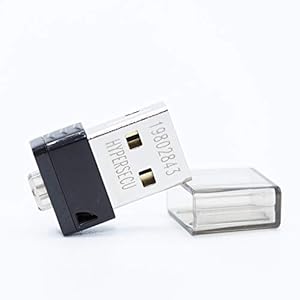
HYPERFIDO Pro MINI U2F/FIDO2/HOTP Security Key
£24.77 Buy product -
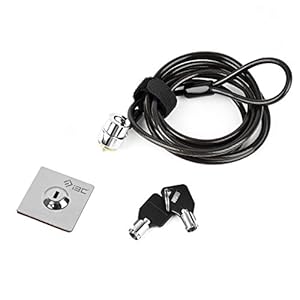
I3C Anti-Theft Laptop Lock Cable, Anchor Plate & 2 Keys, Security Lock with Adhesive Plate for S
£13.99 Buy product -
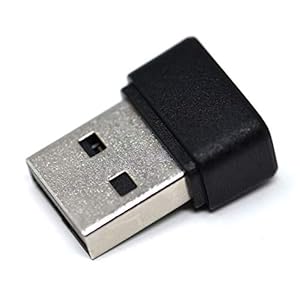
KamKorda USB Fingerprint Reader for Windows 10 Hello 360° Degree Sensor Touch Security Fingerprint
£22.97 Buy product -
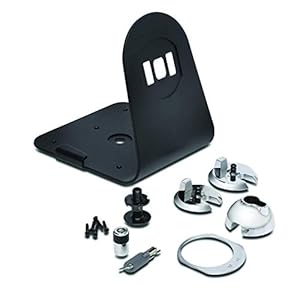
Kensington
£10.35 Buy product -
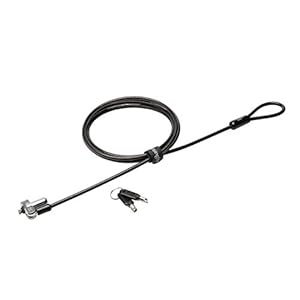
Kensington
£28.49 Buy product -
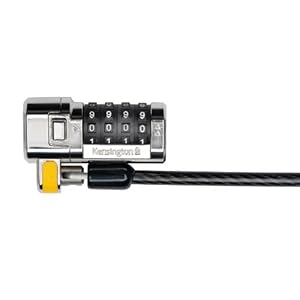
Kensington
£15.44 Buy product