
Batteries
A laptop battery is what allows you to use your laptop away from a plug socket. Over time, all rechargeable laptop batteries lose some of their original capacity, so a replacement battery can help restore portable use if your current battery no longer holds charge as well as it used to.
Our range of laptop batteries includes replacement batteries for a variety of laptop makes and models. Whether your laptop switches off quickly when unplugged, will not hold charge or no longer works away from mains power, a compatible replacement battery may help.
Browse our selection of laptop batteries below to find a compatible option for your laptop.
Best Selling Laptop Batteries

Which laptop battery do you need?
The most important thing when choosing a laptop battery is compatibility. Laptop batteries vary in voltage, capacity, connector type, shape and fitting, so it is important to check that the replacement battery is suitable for your exact laptop model.
Before buying, check your laptop model number and, where possible, the part number printed on your existing battery. This can help you find a replacement that matches the original specification.
| If you need… | What to look for |
|---|---|
| A direct replacement battery | A battery listed as compatible with your exact laptop model |
| Longer use away from mains power | A higher capacity battery, where compatible with your laptop |
| A battery for an older laptop | A replacement with the correct voltage, connector and fitting |
| A battery for a newer laptop | A compatible internal battery and professional fitting if required |
| A spare battery | A compatible battery that matches your laptop’s original specification |
Replacement laptop batteries
A replacement laptop battery can be useful if your current battery is ageing, swollen, no longer holding charge or causing your laptop to shut down unexpectedly. Over time, rechargeable batteries naturally lose capacity, especially with regular use and charging.
Replacement batteries are available in different capacities and voltages. The capacity is often shown in milliamp hours (mAh) or watt hours (Wh), while the voltage must match the requirements of your laptop.
Before buying, check the battery part number, voltage, capacity and connector type. This can help ensure the replacement battery is compatible with your laptop.
View More Replacement Laptop Batteries
Internal and external laptop batteries
Some laptops have an external battery that can be removed easily from the underside of the device. Others have an internal battery that is fitted inside the laptop and may require tools or technical knowledge to replace.
If your laptop has an external battery, check that the replacement matches the original battery’s shape, connector and voltage. If your laptop has an internal battery, check whether the replacement is designed for your exact model and whether professional fitting is recommended.
Many modern laptops use internal batteries, so it is important to follow the manufacturer’s guidance before attempting a replacement.
Battery capacity and voltage
Battery capacity affects how long a laptop can run between charges. A higher capacity battery may provide longer use away from mains power, but it must still be compatible with your laptop.
Battery capacity is commonly measured in milliamp hours (mAh) or watt hours (Wh). Voltage is also important, as using a battery with the wrong voltage may not be safe or compatible with your laptop.
Always compare the specifications of the replacement battery with your original battery. If you are unsure, check your laptop model number or consult the manufacturer’s guidance.
View More 45w Laptop Batteries
Laptop battery care
Looking after your laptop battery can help it last longer. Avoid exposing your laptop to excessive heat, and try not to leave it in direct sunlight or close to heaters for long periods.
If you use your laptop mainly at a desk, some laptops include battery health settings that limit charging to help reduce long-term wear.
Avoid letting the battery regularly drain to zero, and try not to store a laptop for long periods with a completely flat battery. If you are storing a laptop for several months, charge it to around 50% before switching it off.
Signs you may need a replacement battery
A laptop battery may need replacing if it no longer holds charge, drains quickly, causes the laptop to switch off unexpectedly or shows warning messages about battery health.
You may also notice that your laptop only works when plugged in, or that the battery percentage drops suddenly. These can be signs that the battery is ageing or no longer performing as it should.
If a battery is swollen, bent, leaking or damaged, stop using it and do not attempt to charge it. Seek professional advice or dispose of it safely in line with local guidance.
Choosing the right replacement battery
Check your laptop model
Your laptop model number is one of the most important details when choosing a replacement battery. You can usually find it on the base of the laptop, in the system settings or in the original documentation.
Check the battery part number
If possible, check the part number printed on your existing battery. Matching the part number can help ensure you choose a compatible replacement.
Check voltage and capacity
Compare the voltage and capacity of the replacement battery with your original battery. The voltage should match, while the capacity may be the same or higher if the battery is compatible with your laptop.
Check the connector and fitting
The replacement battery must have the correct connector and fit securely in your laptop. Even if a battery has a similar capacity or voltage, it may not be suitable if the connector or shape is different.
Find the right laptop battery
A replacement laptop battery can help restore portable use if your current battery is no longer performing as it should. Choosing the correct battery is important, so always check your laptop model, battery part number, voltage and connector type before buying.
Explore the laptop batteries listed above to compare the available options. Each product listing includes key details to help you check compatibility, capacity, voltage and battery type. Whether you need a replacement battery for an older laptop or a compatible battery for a newer model, choosing the right option can help keep your laptop working away from mains power.
Laptop Batteries FAQs
Showing 1–12 of 35 results
-
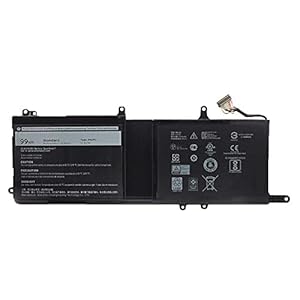
9NJM1 01D82 44T2R HF250 MG2YH 0546FF 546FF 0HF250 Laptop Battery Replacement for Dell Alienware 15 R
£55.88 Buy product -
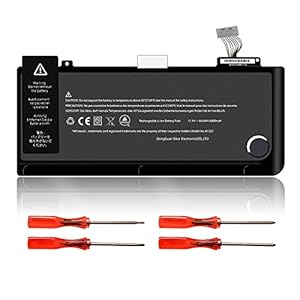
A1322 Battery for MacBook Pro 13” A1278 (Mid 2009, Mid 2010, Early and Late 2011, Mid 2012 Ver
£29.99 Buy product -
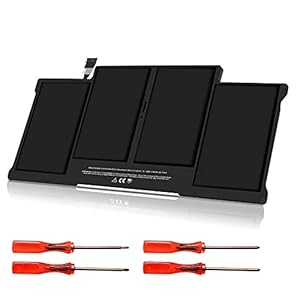
A1405 Battery Replacement for MacBook Air A1369 (Late 2010, Mid 2011) A1466 (Mid 2012 2013, Early 20
£37.99 Buy product -
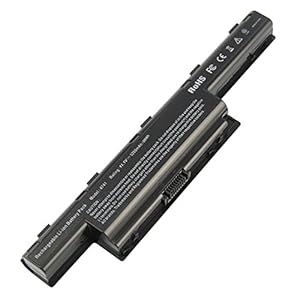
ARyee 5200mAh Laptop Battery for Acer Aspire 5742 5741 5733 5750 5749 5560 4253 4551 4552 4738 4741
£22.99 Buy product -
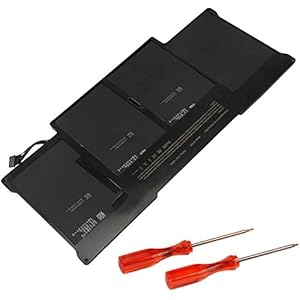
ASUNCELL A1466 A1377 A1405 Laptop Battery Replace for MacBook Air 13 Inch A1466 (Mid 2012 Mid 2013 E
£26.99 Buy product -
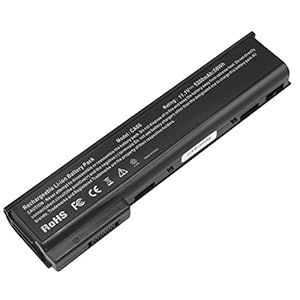
ASUNCELL CA06 Laptop Battery for HP ProBook 640 G0 645 G0 650 G1 655 G0 640 G1 645 G1 650 G1 655 G1
Buy product -
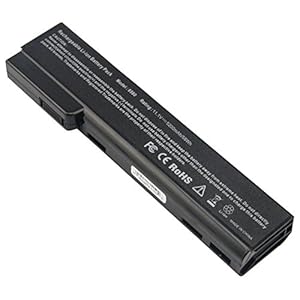
ASUNCELL CC06 Laptop Battery Compatible with HP EliteBook 8470w 8460p 8460w 8470p 8560p 8570p 6360b
Buy product -
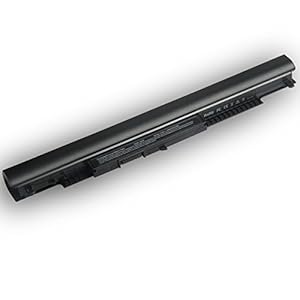
ASUNCELL Laptop Battery for HP HS03 HS04 240 G4 245 G4 246 G4 250 G4 255 G4 256 G4Series HP Notebook
£16.99 Buy product -
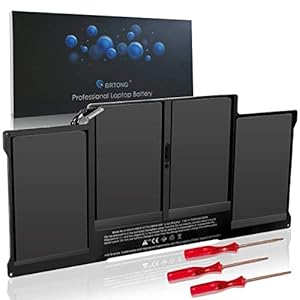
BRTONG Laptop Battery Compatible with MacBook Air 13 inch A1405 A1377 A1466, Also fit A1369 A1496 [L
£42.99 Buy product -
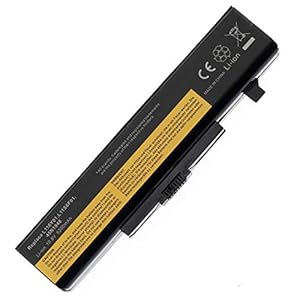
BTMKS Notebook Laptop battery for Lenovo G480 G485 G500 G505 G510 G580 G580A Z580 G585 G700 G710 Z3
Buy product -
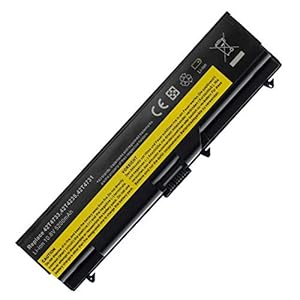
BTMKS Notebook Laptop li-ion battery for Lenovo ThinkPad W530I W530 L430 L530 T430 T430I T530 T530I
£24.50 Buy product -
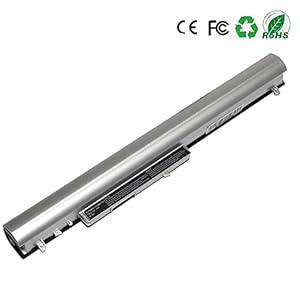
BYDT LA04 LA04DF Laptop Battery 728460-001 HSTNN-YB5M for HP Pavilion 15-N013SA 15-N097SA 15-N032SA
£25.99 Buy product